
 Image 1 of 1
Location: Online (Zoom) or in-person in East Sussex (venue agreed individually)
Duration: 1.5 or 2 hours
Difficulty: beginner
Format: One-to-one, personalised
When the course has been purchased we will email you to discuss a date and location for the one to one editing class
Perfect for photographers who want to elevate their images, streamline their workflow, or learn how to transform RAW files into professional-quality photographs. This one-to-one session is fully customised to your skill level—whether you’re brand new to editing or looking to refine an advanced workflow.
You can bring your own images to work on, or use sample files provided.
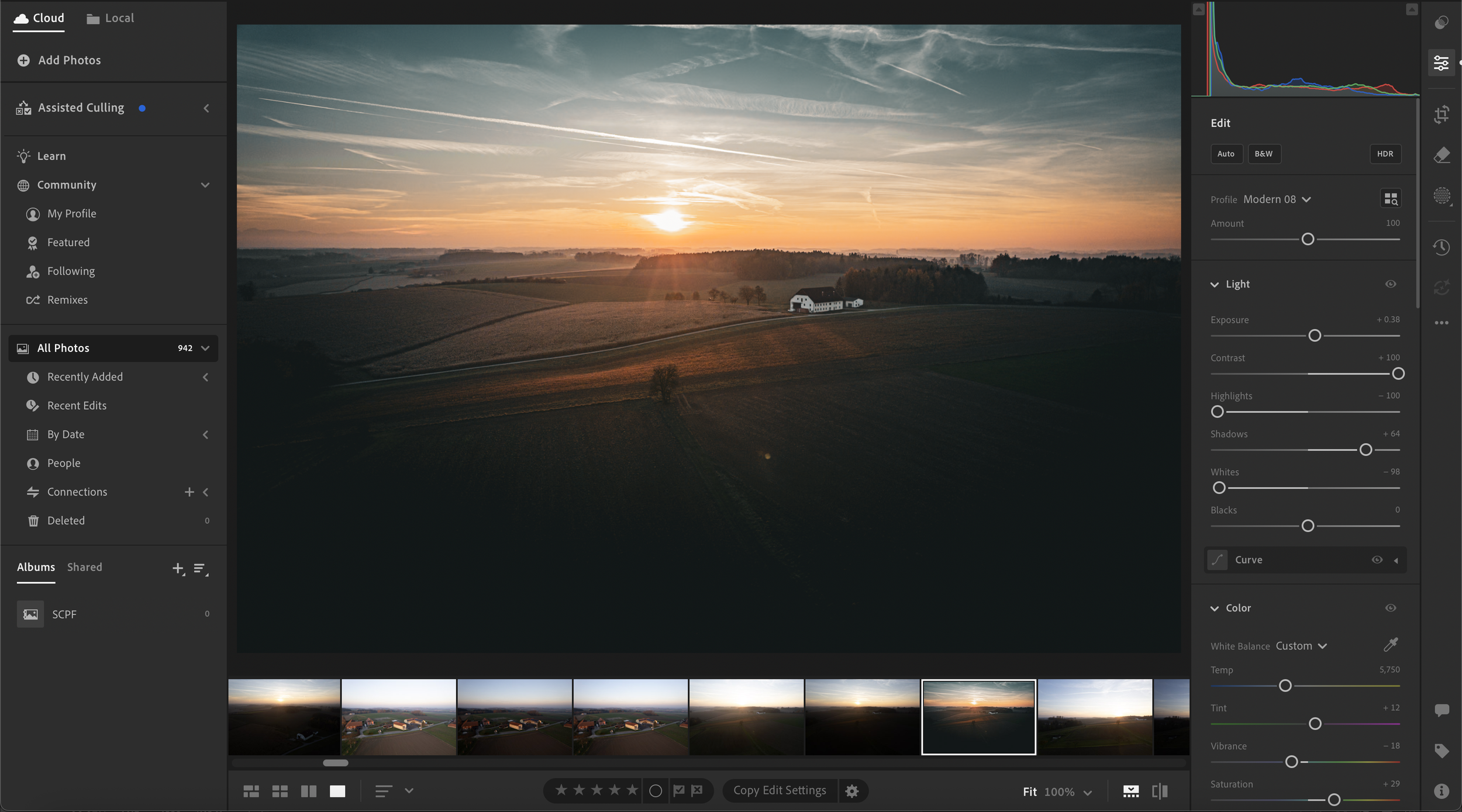
Lightroom Classic / Lightroom CC
Complete RAW editing workflow
Colour grading & tonal control
Using masks for sky, subject, and landscape adjustments
Organising & cataloguing images
Creating your own presets
Photoshop
Exposure blending
Sky replacement techniques
Selective editing & luminosity masks
Dodging & burning
Retouching and removing distractions
Preparing files for print or web
A full, repeatable workflow for editing landscape photos
Edited images you can immediately use or share
A clear understanding of colour, contrast, and visual balance
More confidence using both Lightroom & Photoshop
Optional: a bespoke preset created together
Location: Online (Zoom) or in-person in East Sussex (venue agreed individually)
Duration: 1.5 or 2 hours
Difficulty: beginner
Format: One-to-one, personalised
When the course has been purchased we will email you to discuss a date and location for the one to one editing class
Perfect for photographers who want to elevate their images, streamline their workflow, or learn how to transform RAW files into professional-quality photographs. This one-to-one session is fully customised to your skill level—whether you’re brand new to editing or looking to refine an advanced workflow.
You can bring your own images to work on, or use sample files provided.
Lightroom Classic / Lightroom CC
Complete RAW editing workflow
Colour grading & tonal control
Using masks for sky, subject, and landscape adjustments
Organising & cataloguing images
Creating your own presets
Photoshop
Exposure blending
Sky replacement techniques
Selective editing & luminosity masks
Dodging & burning
Retouching and removing distractions
Preparing files for print or web
A full, repeatable workflow for editing landscape photos
Edited images you can immediately use or share
A clear understanding of colour, contrast, and visual balance
More confidence using both Lightroom & Photoshop
Optional: a bespoke preset created together